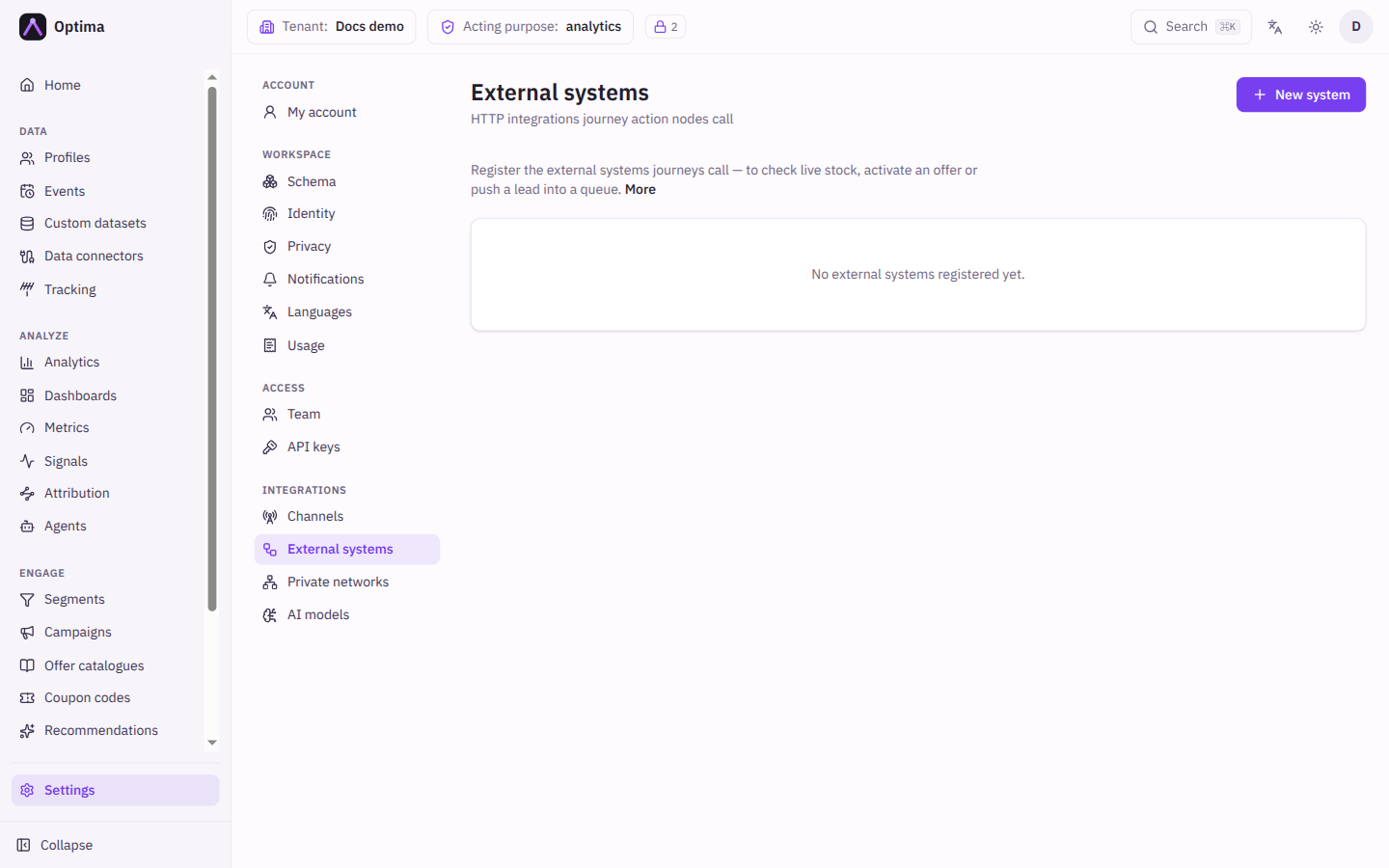
External systems
Register the HTTP services that journey action steps call, with their credentials kept encrypted and out of the journey.
An external system is a service your journeys call, for example to check live stock, activate an offer or push a lead into a queue, and then act on the answer. Registering it here keeps its credentials encrypted and out of the journey definition, and lets many journeys share one configuration: rotating a key is one edit instead of one per journey. A system is not a way to reach a customer, so it never appears in a channel picker. Open it under Settings → Integrations → External systems.
Who uses it
Integration specialists register systems; campaign creators then pick them in a journey step (see Webhook node). Reading needs the integration_viewer role; creating, testing, editing and deleting need integration_editor (or campaign_admin), or another role your administrator has given access to this area — see Licences and roles. The screen is part of the Campaign package (the external systems feature).
Fields
Each system in the list shows its name, its HTTP method, its URL, and badges: Inactive, Credentials set, and the required consent purpose when one is set. The New system and Edit system dialog:
| Field | Meaning | Valid values | Default |
|---|---|---|---|
| Name | How the system appears in the journey editor. Required. | Text | Empty |
| URL template | The address to call. Required, because a system has no per-send fallback address. Can use {{.Params.x}}, a parameter the calling step supplies. | An absolute URL. Loopback (localhost) addresses are always refused, and private and cloud-metadata addresses are refused unless your platform operator allows them. | Empty |
| HTTP method | The request method. | GET, POST, PUT, PATCH, DELETE | POST |
| Headers | Extra headers as Header and Value (template) rows. | Name and value pairs | None |
| Payload template | The request body. {{.Params.x}} is a parameter from the step, and {{.Profile.Attributes.x}} and {{.Run.State.x}} personalize it. Empty sends no body. | Text | Empty |
| Declared parameters | What a calling step must supply, each with Name, Default value and Required. A required parameter with no default fails the step until the journey provides it. | Rows | None |
| Authentication | How the request identifies itself. | None, HTTP Basic, Bearer token, API key, OAuth2 (client credentials), Mutual TLS | None |
| Max requests and Per | Paces calls to the service; over the limit a call waits and retries, nothing is dropped. | A number per second, minute, hour or day | Unlimited |
| Required consent purpose | Gates every call on the profile's live consent for this purpose. A step may add a purpose but never lower this one. | A purpose from your consent purposes, or None | None |
| Timeout (seconds) | How long to wait for an answer. | 0 to 60 | 10 |
| Retry attempts | Retries after a transport failure only. Any response, whatever its status, is data the journey branches on and is never re-sent. | 0 to 5 | 0 |
| Private network | Sends the calls through a tunnel into your own network, often the reason a system needs one. | A network from Private networks | Default route (public internet) |
| Active | Whether journeys can call the system. | On or off | On |
The authentication choice reveals the same extra fields as for providers (username, API-key header and prefix, token URL, client id, scopes); see Delivery channels. Secrets go under Credentials: password, bearer_token, api_key, client_secret, the mutual TLS PEM values, and hmac_secret. With hmac_secret set, each request carries X-Optima-Signature: sha256=<hex>, the HMAC-SHA256 of the body, so your service can verify the call; without it no signature is sent, and only the system's own fixed address is signed (an address built from a template is not).
Credentials are write-only. A system with stored secrets shows Credentials set; on edit use Replace credentials to enter a new full set, or, when Authentication is None, save it with all inputs blank to clear them. Any other authentication (HTTP Basic, Bearer token, API key, OAuth2, Mutual TLS) needs its secret: saving with Replace credentials open and the secret blank is refused with an error naming the missing credential, and the stored secret is kept. To keep the stored secret, do not select Replace credentials; to stop using it, change Authentication to None first.
Actions
- New system opens the dialog.
- Test connection (plug icon) checks the system and shows the result under the row. For a fixed address it only opens a network connection and sends no request ("endpoint reachable (TCP connect only, no request sent)"); a private address is refused unless your platform operator allows it. A system whose address changes per call reports that there is no live check.
- Edit (pencil), or select the name.
- Delete (bin) after confirmation. Journeys still calling it must be pointed elsewhere first; deactivate the system instead to stop calls at once without breaking their graphs.
- In the edit dialog, Preview the request renders the exact request for a profile you choose, secrets redacted, without sending it. Send it performs the real call.
Examples
Check stock before an offer. Register stock-check with URL https://api.example.com/stock/{{.Params.sku}}, method GET, an API key authentication and a required parameter sku. In a journey, add a webhook step set to Registered system, choose stock-check and pass the sku.
Gate a call on consent. Set Required consent purpose to marketing_email. Every journey step that calls the system is skipped for profiles without live consent.
Common problems
- A step is skipped as consent denied. The system or the step names a purpose that the profile has not granted, or a purpose name that does not exist.
- Delete refused. A journey still uses it. Deactivate it, or repoint the journeys.
- Credentials withheld in a preview. The host in the URL comes from a template, so the request goes out without credentials and a real call is refused. Write the host literally.
- The service times out. Raise Timeout (seconds) (up to 60) or add Retry attempts for transport failures.