Metric alerts
The feed of every alert your metrics have fired, newest first, with the change that triggered it and who was emailed.
The alert feed lists every alert fired by any metric in this environment, newest first. Open it from Alerts at the top of the Metrics screen. A single metric's page shows only its own alerts; the feed answers "what has been going wrong lately", and the answer is often a pattern across several metrics.
Who uses it
Business owners and campaign managers. Reading the feed needs analytics_viewer, or another role your administrator has given access to this area — see Licences and roles.
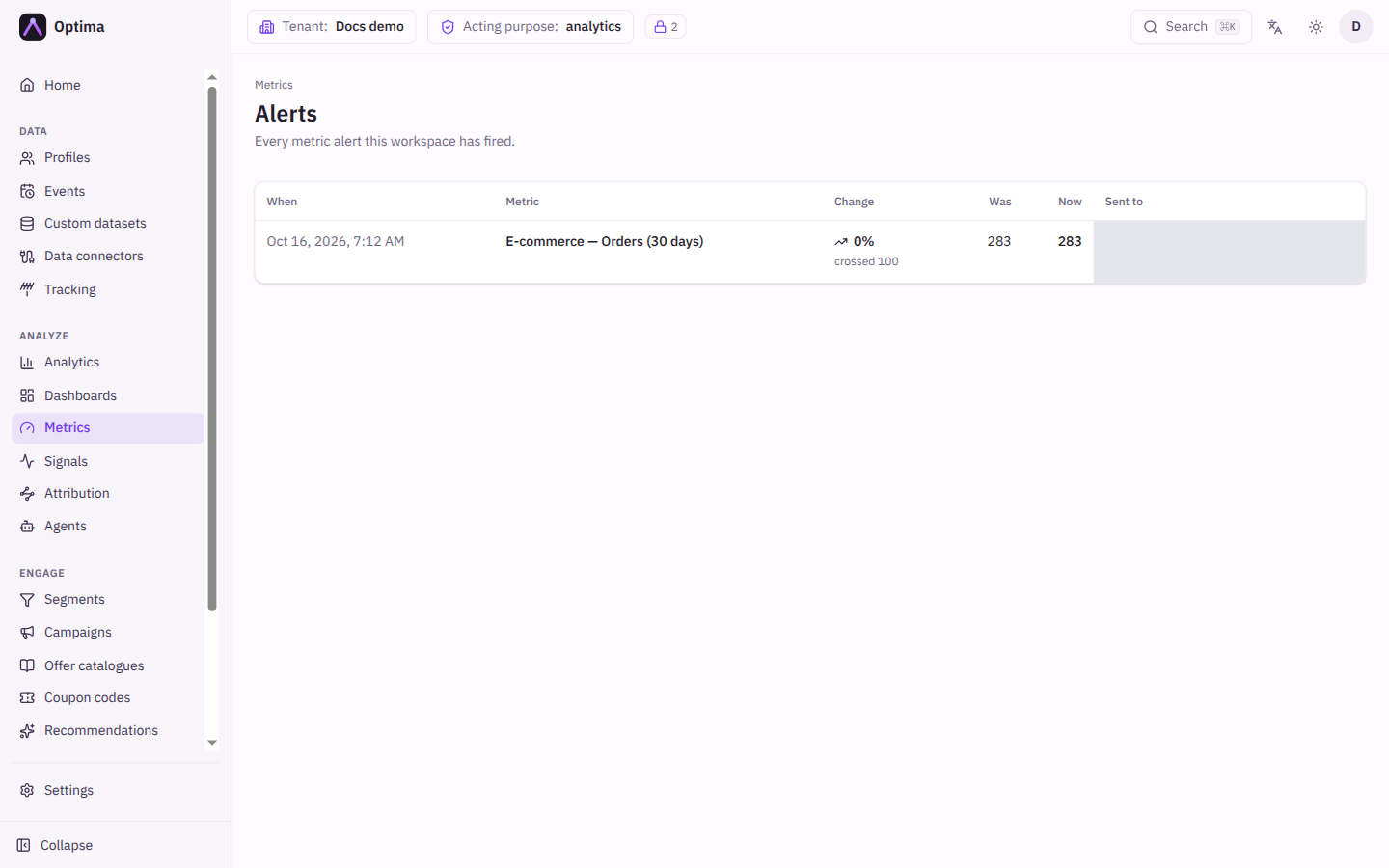
Fields
| Column | Meaning |
|---|---|
| When | The date and time the alert fired. |
| Metric | The metric that alerted. Select it to open its page. |
| Change | What happened. For a percentage or period comparison, the size of the change (with a falling icon for a drop) and the rule that triggered it, such as "threshold 15%" and, for a period comparison, "vs yesterday" or "vs last week". For a fixed-value rule, "crossed" and the value. For a missing-data rule, No data. |
| Was | The value at the previous check. |
| Now | The value that triggered the alert. |
| Sent to | The people emailed. Not sent, with a reason when one is available, means no email went out. |
The feed is paged; use Previous and Next.
Actions
The feed is read-only. Select a metric name to open the metric, where you can change its rule or recipients.
Examples
A line reading "-32%, threshold 30%, vs last week" with Was 1,200 and Now 816 means purchases were down by about a third compared with the same time a week earlier, which is more than the 30% you allowed.
A line reading No data means the metric returned nothing, or zero, for longer than its No data for (minutes) setting.
Common problems
- "Nothing has alerted yet." No metric has fired. Check that alerting is on for the metrics you care about.
- An alert shows Not sent. The alert was recorded but no email went out. The note in the Sent to column gives the reason when there is one. Open the metric and review Send to. With no recipients set, the alert goes to the person who created the metric; a metric created with an API key (not on behalf of a user) has no fallback recipient.
- I expected an alert and there is none. The rule may not have qualified: a percentage rule ignores values below Ignore below, and after an alert a metric stays quiet for its Then stay quiet for period.