SQL transforms
Run a SQL statement on your own warehouse on a schedule, or write a saved report into a custom dataset.
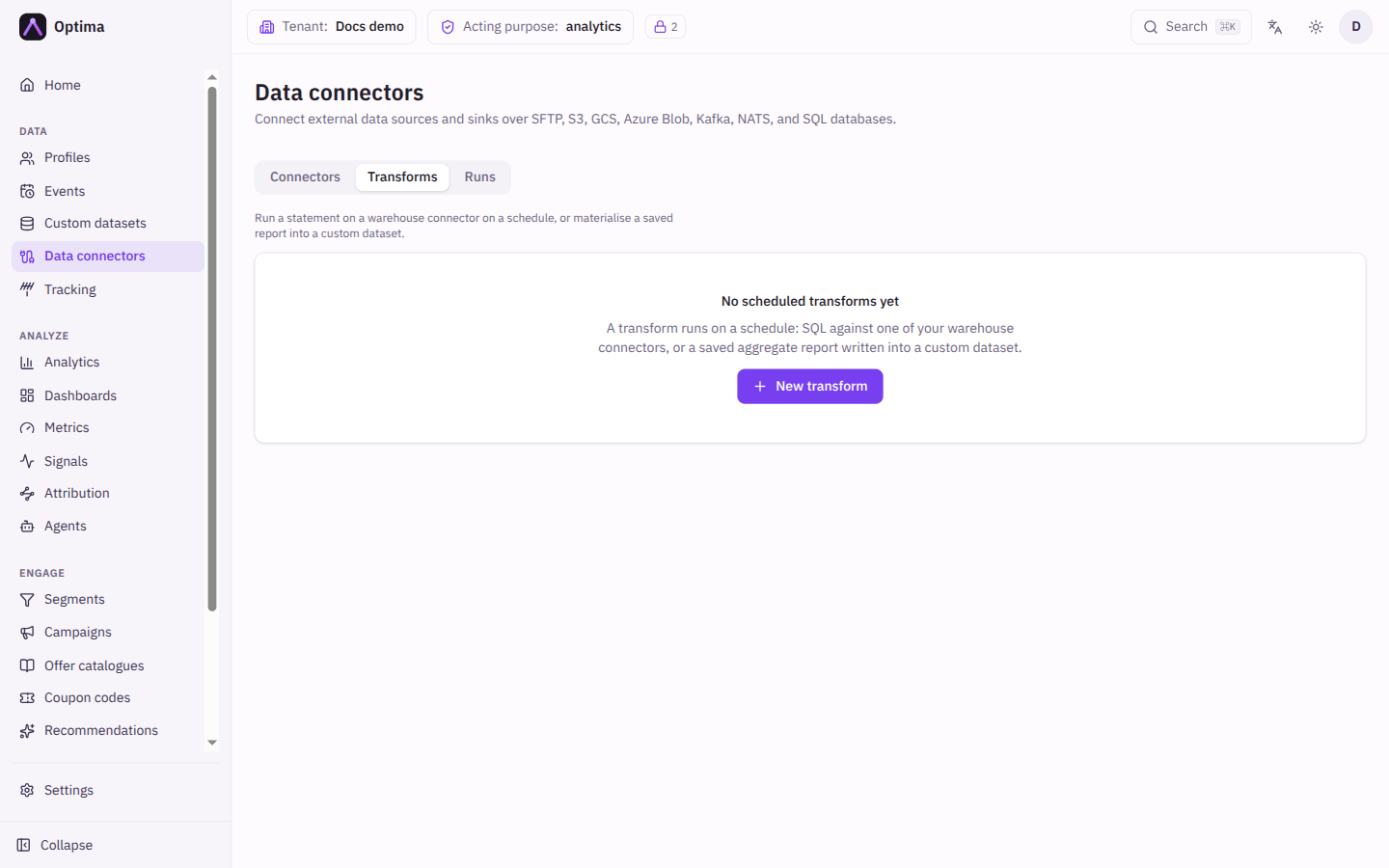
The Transforms tab of Data connectors lists scheduled jobs of two kinds. A Statement on a warehouse runs SQL in the database of one of your SQL connectors. A Report into a dataset takes a saved aggregate report and writes its rows into a custom dataset. The tab appears only when your licence includes warehouse queries.
Who uses it
Integration specialists. Reading needs integration_viewer; creating, running, activating and deleting needs integration_editor, or another role your administrator has given access to this area — see Licences and roles.
Fields
The list shows Name, Runs (the kind, as a badge), Schedule (or Manually only, plus Next run), Last run (status, rows and failed), and Active.
The New transform and Edit transform dialog:
| Field | Meaning | Valid values | Default |
|---|---|---|---|
| Name | Display name. | Text | Empty |
| Description | Free text. | Text | Empty |
| What it runs | The kind of transform. A warehouse statement runs in your database and Optima never sees the rows. A dataset report writes a report to a dataset. | Statement on a warehouse, Report into a dataset | Statement on a warehouse |
| Warehouse connector | Which SQL connector to run on. Only connectors with the SQL database protocol are offered. | An existing SQL connector | None |
| Statement | The SQL, run as written. {cursor} and {now} are replaced by the run window. Other tokens reach the warehouse unchanged. | SQL | Empty |
| Report | The saved aggregate report to materialise. It is re-checked against your own purpose and PII entitlement at every run. | An aggregate report from Analytics | None |
| Target dataset | The custom dataset to fill. | An existing custom dataset | None |
| Record key column | The result column that identifies a record, so a re-run updates rows rather than duplicating them. | A column of the report | Empty |
| Schedule | When it runs. | Manually only, or a schedule as on connector detail | Manually only |
If a picker is empty the dialog says what to create first: "No SQL connectors yet", "No aggregate reports yet" or "No custom datasets yet". If a list is long it notes "Showing the first N of M matches".
Actions
- New transform, Edit and Delete (after confirmation).
- Run now queues a run immediately ("Run queued").
- Activate and Deactivate pause a schedule.
- Run history for a transform shows Started, Finished, Status, Rows and Error; the Error column also shows the record-removal outcome.
A report transform keeps its dataset in step with the report. After a run that succeeds on every row, records the transform wrote earlier whose key is no longer in the report are deleted. A run that fails, is cancelled or returns no rows deletes nothing. A run whose report returns as many rows as its row limit deletes nothing either, because the report may have been cut short. If a run would delete more than half of the transform's records, it deletes none and logs a warning, because the report is probably broken; later runs keep refusing. The last run and the run history show what happened: "Removed N vanished records", "Removal skipped: the report reached its row limit", or "Removal held: N of M records would be removed". When a removal was held and the shrink is intended, Run and remove N records queues a run that deletes them after you confirm; Run now does not lift the guard. Through the API, the same override is POST /cdp/api/v1/connect/sql-transforms/{id}/run?force_sweep=true, and each run in GET /cdp/api/v1/connect/sql-transforms/{id}/runs carries the outcome as sweep. A transform only ever deletes records it wrote itself: records another transform wrote into the same dataset, and records you added by hand or imported from a file, are never touched by it.
Examples
Refresh a summary table nightly. Warehouse connector analytics-pg, statement INSERT INTO daily_summary SELECT date_trunc('day', now()), count(*) FROM orders WHERE created_at >= '{cursor}', schedule Every day.
Offer catalogue from a report. Save an aggregate report of revenue per product in Analytics, then create a transform that writes it to the dataset product_stats with Record key column product_id.
Common problems
- The Transforms tab is missing. Your licence does not include warehouse queries.
- "No SQL connectors yet". Create a connector with the SQL database protocol on the Connectors tab first.
- A report transform fails. The report must be an aggregate report, and you must hold the purposes and PII level it uses.