Notifications
Choose who is told when something happens in Optima, and edit how those messages read.
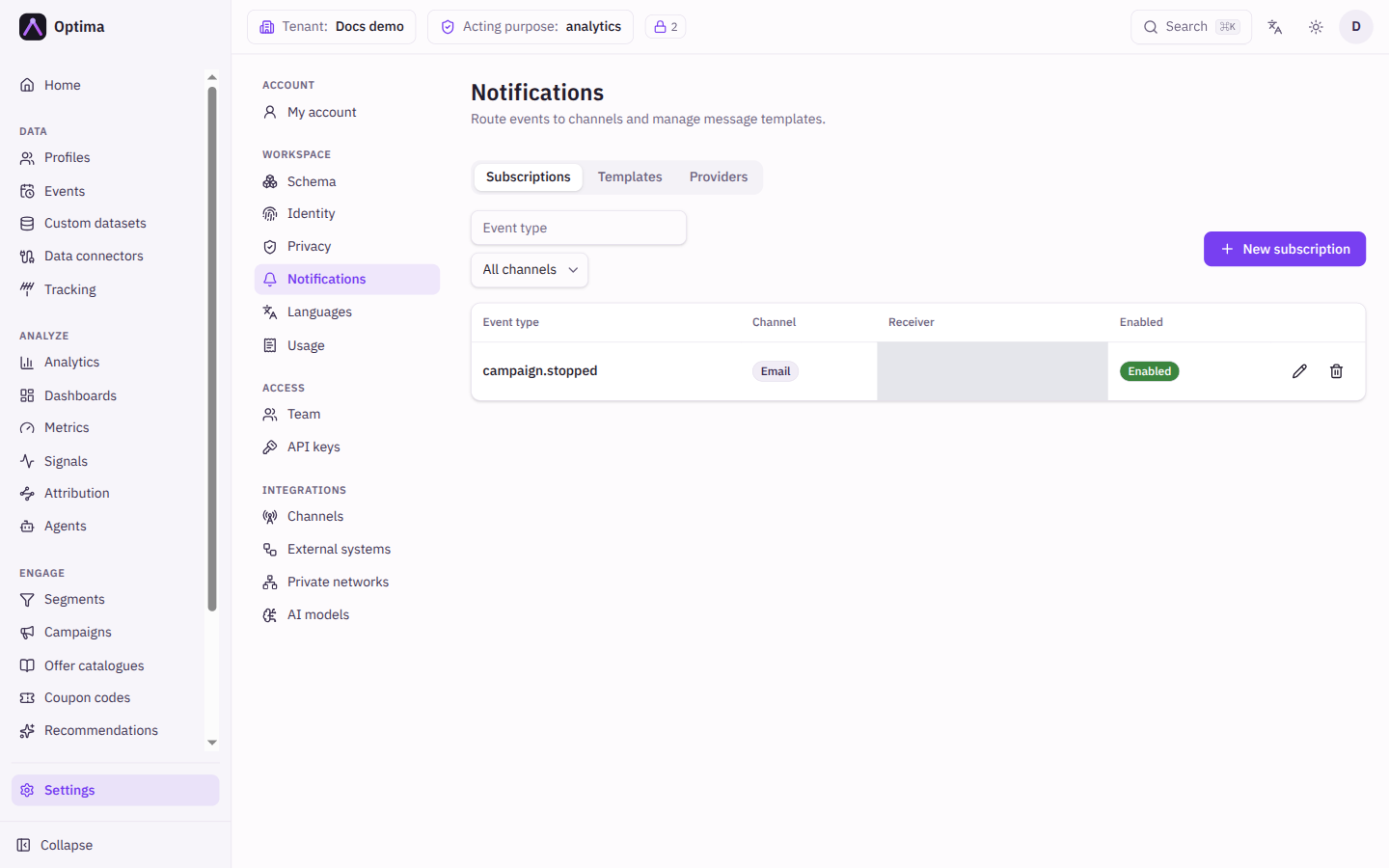
Notifications are the messages Optima sends to your own team or systems: a colleague asked to approve a campaign, a webhook call to your service when a profile changes. A subscription says who gets which event on which channel; a template says how the message reads; a provider is the mail server your environment's notification email goes out through. Open it under Settings → Workspace → Notifications. The tabs are Subscriptions, Templates and Providers. Notifications are part of the core licence. Usage alerts are set per account, not here: see Usage.
Who uses it
Tenant administrators and integration specialists. Reading needs the integration_viewer role and changing needs integration_editor, or another role your administrator has given access to this area — see Licences and roles. Three templates are reserved because they carry sign-in links: tenant_invite can be edited only by a full administrator of the environment, while password_reset and email_verification only by the platform operator. The console says so when you try.
Fields
Subscriptions
The list shows Event type, Channel, Receiver and whether the subscription is enabled; webhook subscriptions also show whether they have a signing secret. Two filters, Filter by event type and Filter by channel, narrow it. New subscription opens the dialog, which notes that a new subscription can take up to a minute to take effect.
| Field | Meaning | Valid values | Default |
|---|---|---|---|
| Receiver | Whether a person or an application is notified. | User, Application | User |
| Channel | How it is delivered. Applications cannot receive email, so they are reached over a webhook; a User receiver cannot use Webhook (it is refused with an error), so choose Application for webhooks. | Email, Webhook | |
| Receivers | Who gets it. Each receiver you pick gets its own subscription, so three people create three rows. When editing, this is Receiver ID. | People or applications | None |
| Event type | The event to react to. Pick a platform event, or type a custom event name. | See below | Empty |
| Webhook URL | Where the notification is sent. Required for application receivers. | An absolute http or https address. Loopback (localhost) addresses are always refused, and private and cloud-metadata addresses are refused unless your platform operator allows them. | Empty |
| Filters | Deliver only when the event matches every rule. No rules means every event of this type. | Rules, or JSON | None |
| Enabled | Whether the subscription is active. | On or off | On |
Filters compare a field of the event with =, ≠, >, ≥, <, ≤, contains, exists or does not exist. Reach nested fields with dots, for example attributes.city. Edit as JSON switches to the raw form and Edit as rules back.
Platform events you can pick include profile.created, profile.updated, profile.deleted, profile.merged, event.created, event.updated, event.deleted, consent.updated, consent.withdrawn, the dataset.record.* events, campaign.approval_requested, campaign.approved, campaign.rejected, campaign.stopped, campaign.completed, campaign.run_failed, campaign.code_pool_low, metric.alert, content.publish_requested, content.approved, content.rejected, content.withdrawn. The field list of each shows when you pick it. For event.created of a form_submitted event the fields include form_id, the id of the form (a configuration id, never what the visitor typed).
Templates
The list shows each template's name, with an HTML badge for HTML bodies. New template opens the dialog.
| Field | Meaning | Valid values | Default |
|---|---|---|---|
| Template name | Names match their consumer: a system email, or a subscription's event type. To use a custom event type, create its subscription first. | A name from the list | Empty |
| Subject template | The email subject. | Text with {{.field}} placeholders | Empty |
| Body format | A template has one body. Switching clears the other one when you save. | Plain text, HTML | Plain text |
| Body template or HTML body | The message text. In HTML, inserted values are escaped automatically. | Text or HTML | Empty |
Preview renders the template against sample data without saving. It warns when the rendered subject contains a line break, because delivery would refuse such a message.
Providers
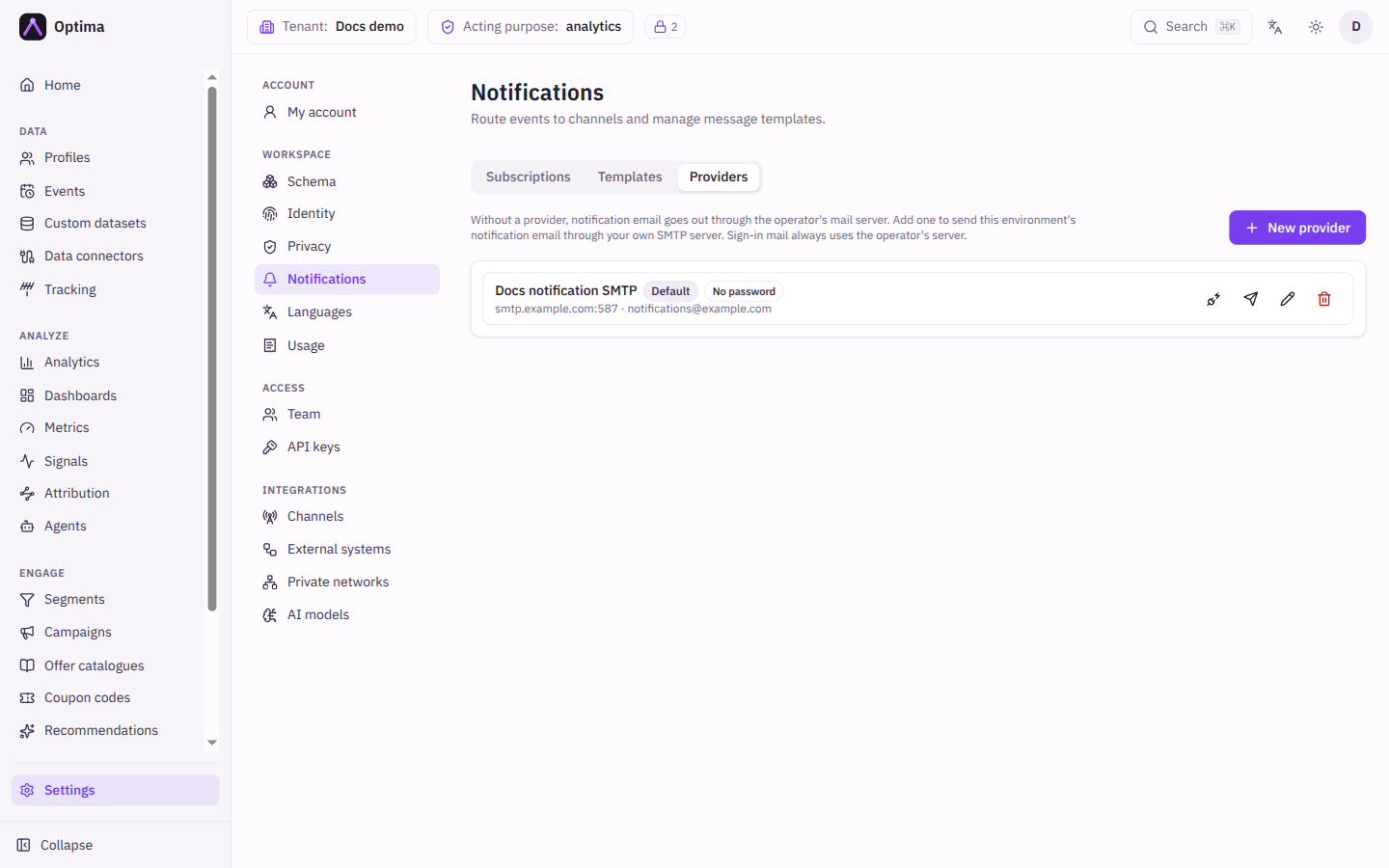
Without a provider, notification email goes out through the platform operator's mail server. Add a provider to send this environment's notification email through your own SMTP server instead. Sign-in mail (invitations, password resets, email verification) always uses the operator's server.
| Field | Meaning | Valid values | Default |
|---|---|---|---|
| Name | A label for the provider, unique in the environment. | Text | Empty |
| Host and Port | Your SMTP server. Loopback addresses are always refused, and private and cloud-metadata addresses are refused unless your platform operator allows them. | A host name or address; a port from 1 to 65535 | Empty |
| Username and Password | The SMTP login. The password is never shown again after you save; leave it empty when editing to keep it. Changing the host, port or username asks you to enter the password again. | Text | Empty |
| From address and From name | The sender of the mail. The name must not contain an email address. | One plain email address; text | Empty |
| Active | Whether the provider is used. An inactive default is skipped. | On or off | On |
The first provider becomes the default, the one that is used; Set as default switches to another. Deleting the default makes the most recently changed active provider the default; with none left, mail goes through the operator's server again. Test connects and signs in to the server; Send test email also sends a test message to your own address.
Actions
- New subscription, New template, the pencil to edit and the bin to delete (after confirmation).
- Test, Send test email and Set as default on a provider.
- Rotate signing secret on a webhook subscription issues a new secret and stops the current one signing immediately, so update the receiver right away. The new secret is shown once; copy it then.
- A webhook subscription created before per-subscription secrets has no secret and delivers nothing until you rotate it once; the list marks it No signing secret. Switching a subscription to the Webhook channel issues its secret on save; it is shown once.
Examples
Tell approvers. Create a subscription for User receivers (your approvers), event type campaign.approval_requested, channel Email. Create a template named campaign.approval_requested with the subject Approval needed: {{.name}}, and use Preview to check it.
Push profile changes to a service. Create a subscription for the Application receiver, event type profile.updated, channel Webhook, your Webhook URL, and a filter attributes.country = SK. Store the signing secret shown when you save.
Verify a webhook. Each call carries X-Optima-Timestamp and X-Optima-Signature: v2= followed by the hex HMAC-SHA256 of the tenant id, the subscription id, the timestamp and the raw body, each on its own line and joined with line feeds, using your secret. Check tenant_id and subscription_id in the body, and reject timestamps older than five minutes.
Common problems
- A custom event type is not offered for a template. Create its subscription first.
- A reserved template cannot be edited.
tenant_inviteneeds a full administrator;password_resetandemail_verificationare the platform operator's. - A webhook subscription is refused. The URL must be absolute
httporhttps, and is required for an application receiver. - Nothing arrives. Check the subscription is Enabled, that no filter rule excludes the event, and that the receiver has an email address.
- Signature mismatch. Compute over the raw body bytes, not a re-serialized copy.
- Mail stopped after adding a provider. Run Test on it. Fix the server details, or turn the provider off to go back to the operator's server.
account.usage_thresholdis refused. Usage alerts are subscribed per account, on the Usage screen.